

GraphicNovel tutorials / Lesson 4 / Draft for review
Character Commands with Jenny & Jake
Start proper. Come correct. Leave proper.
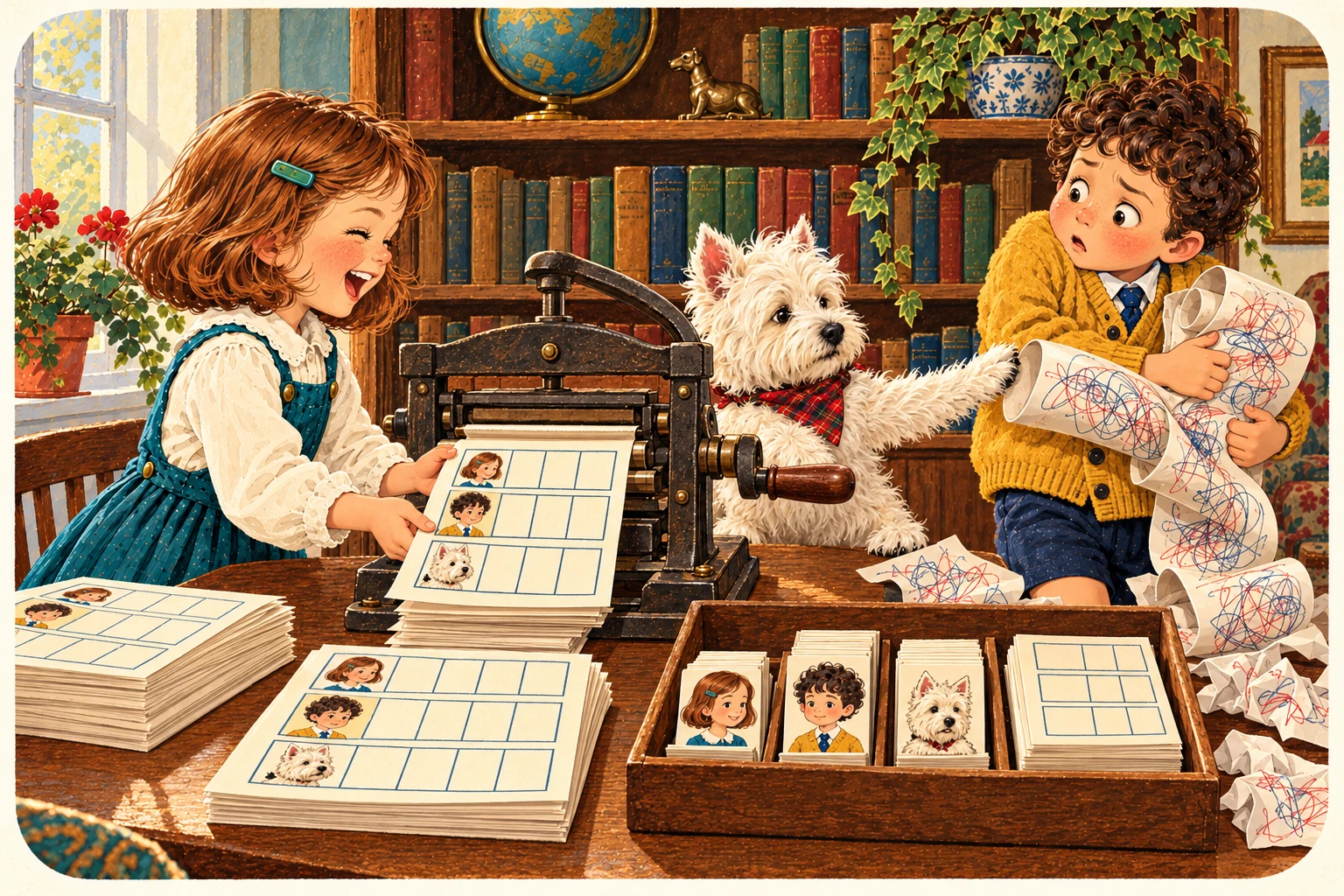
You see the principles, I hope. Command, hug of hugs, hug, details. Now Jenny, Jake with their adorable—and considerably better informed—West Highland Terrier will take you through the character commands.
Left and right turn the cards. The menu jumps straight to a command. No autoplay: the dog has standards.
01 / The principle
Command. Hugs. Details.
command{argument}
You see the principles, I hope. A command says what to do. Each pair of braces holds an argument. Begin and end surround the whole entry. Start proper. Come correct. Leave proper.
\begin{character}{Jenny}
  \charfield{Occupation}{Asks the dog.}
\end{character}
Braces can nest, but the character entry itself is opened and closed by begin and end. They are not interchangeable.
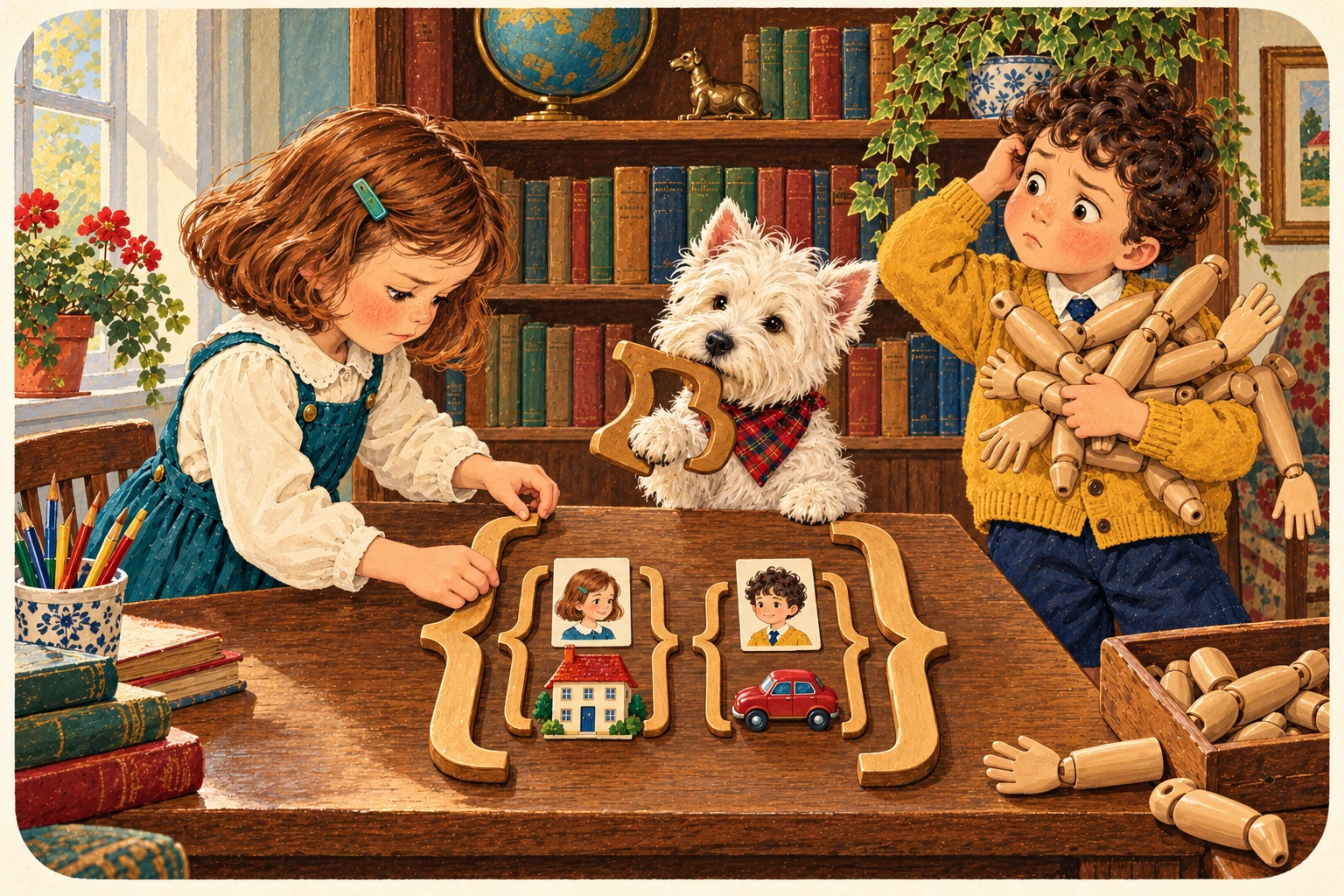
- Jenny
- A hug of hugs?
- Jake
- I have brought extra arms.
- The Westie
- You need matching brackets. Put the arms away.
02 / Open a character entry
Start Proper.
\begin{character}{Jenny}
Begin starts an environment. The first argument says character; the second gives the character’s definitive name. Character fields belong between this opening and the matching end.
\begin{character}{Jenny}
  %% Her details go here.
\end{character}
Use one character entry at a time. The class rejects nested reference entries.
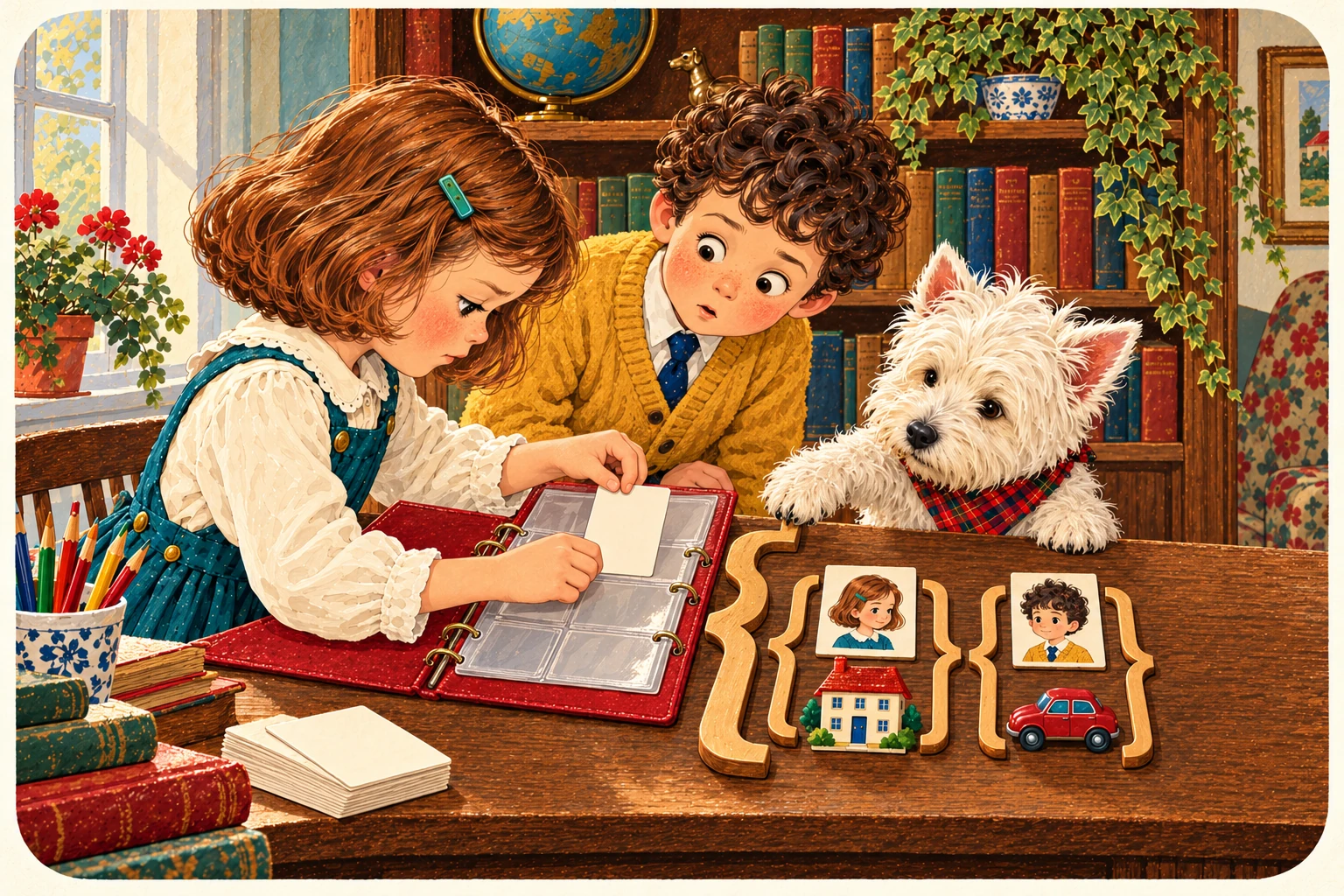
- Jenny
- I have made Jenny.
- Jake
- Does she know?
- The Westie
- You have opened her entry. Creation is above your pay grade.
03 / Close the current character entry
Leave Proper.
\end{character}
End closes the character entry and stores its collected details. It names the environment again, not the character. Do not put Jake inside these final brackets.
\begin{character}{Jake}
  %% Details already added above.
\end{character}
The closing command takes character, not the character’s name.
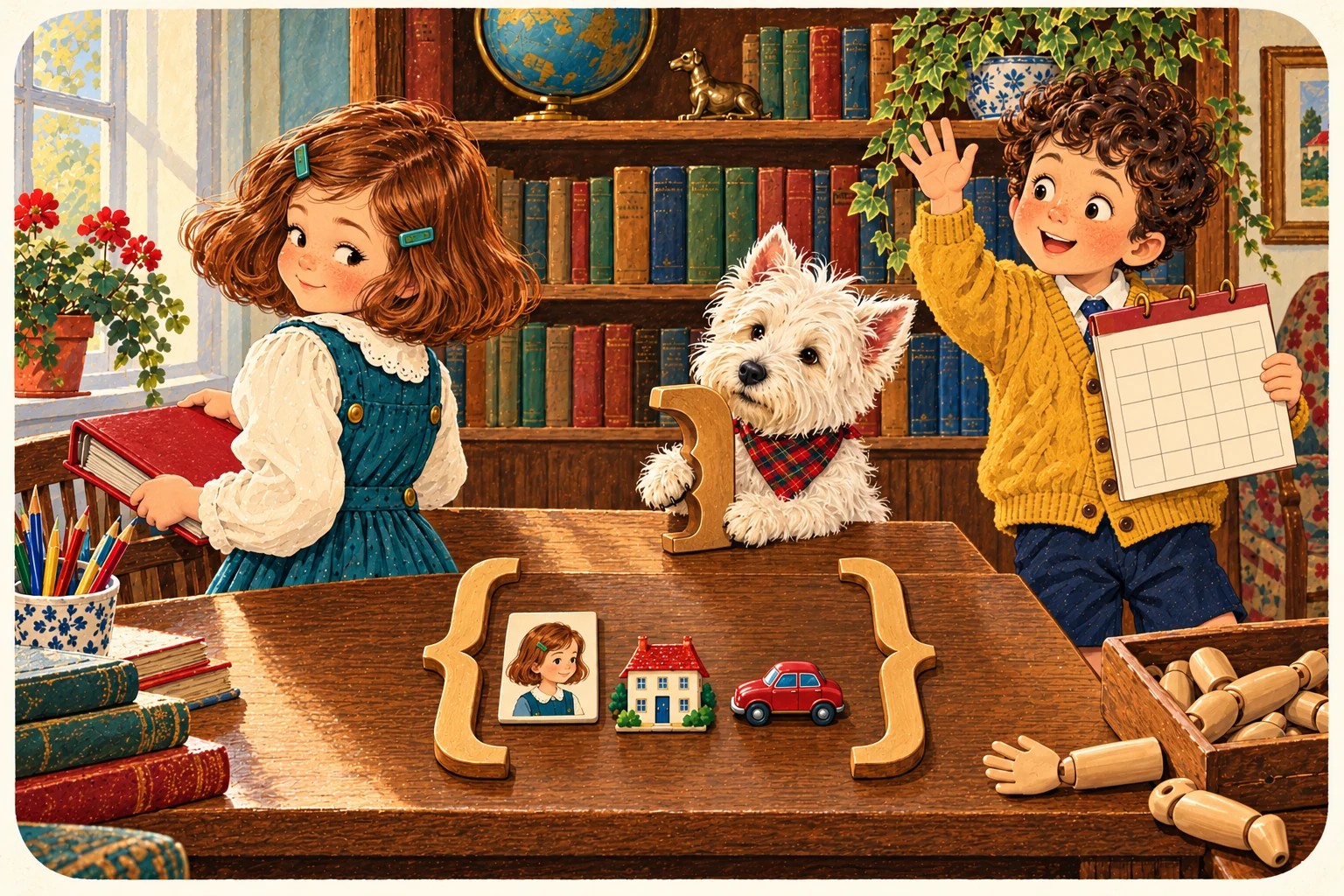
- Jenny
- Is that the end of Jake?
- Jake
- I had plans for Thursday.
- The Westie
- Only the entry. Thursday remains your problem.
04 / Reference declaration
A Name on a List.
\DeclareCharacter{Name}
Registers the name in the character registry and print order. A later character environment for the same name supplies its Bible details. This is registration, not a complete character description.
\DeclareCharacter{Jake}Source checked: this is not dead code. Registration can print a name-only entry until its details are supplied. It does not prevent a later definition, and the appearance checks still apply. The exact command is DeclareCharacter, with capitals.
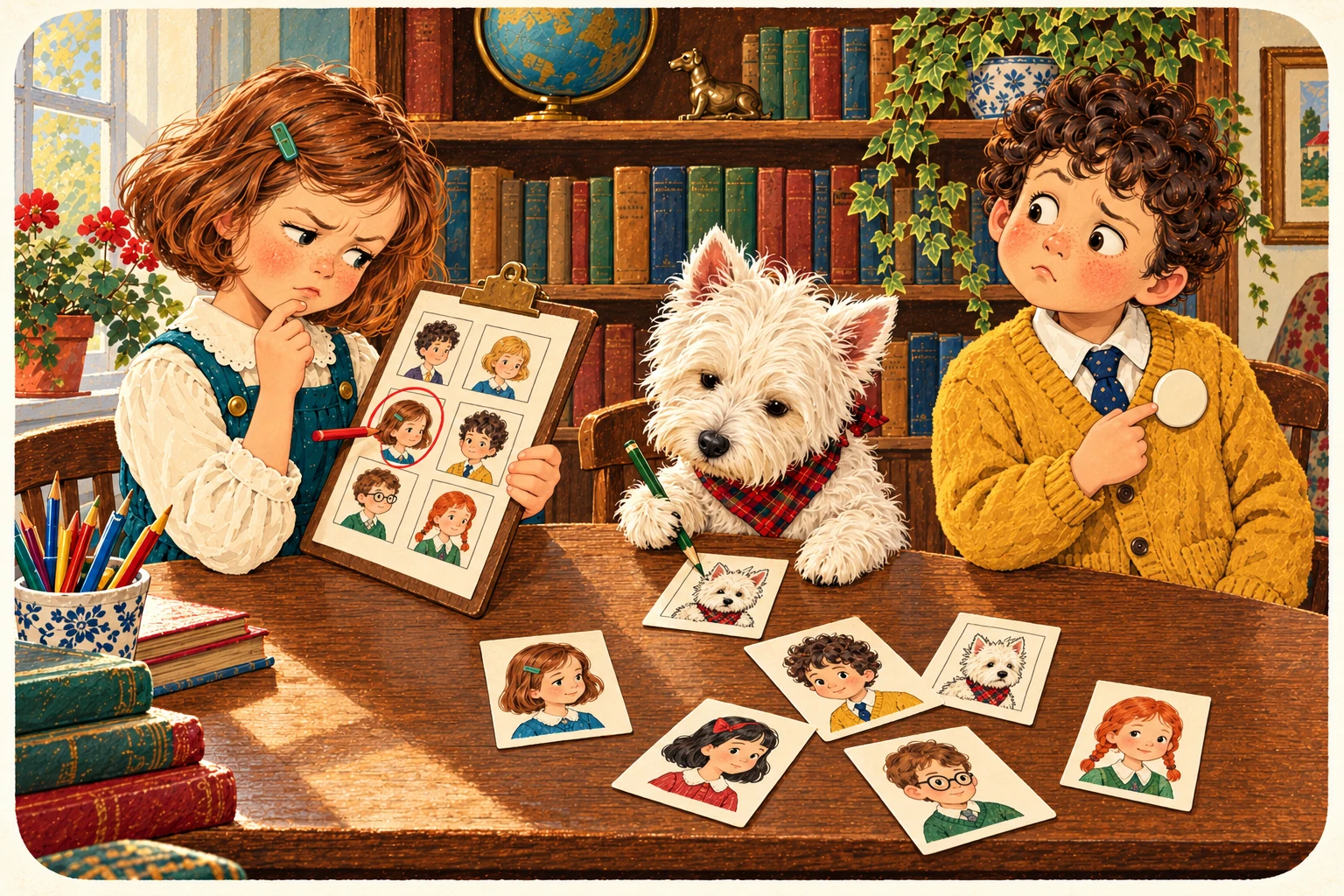
- Jenny
- Jake is on the list.
- Jake
- Do I get a badge?
- The Westie
- You get checked. Manage your expectations.
05 / Setup, before era-dependent appearances
When are we looking?
\DeclareEra{Era}
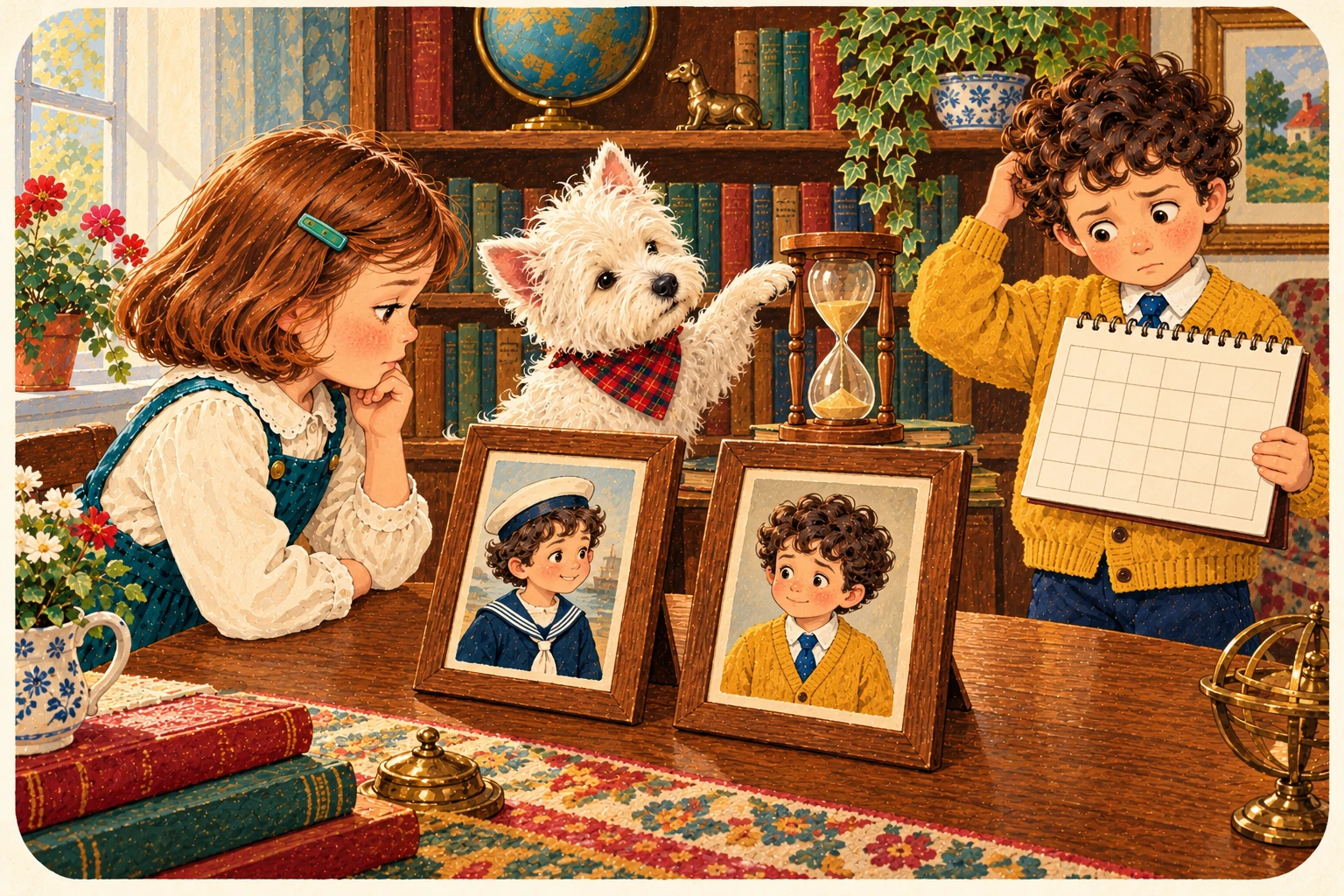
Declares a recognised era label. Appearance descriptions refer to this label. It is a period in the story, not an instruction to make everyone older.
\DeclareEra{Present day}Declaring an era does not select the current script era. The script’s era command is a separate job.
- Jenny
- Present day.
- Jake
- Will it still work tomorrow?
- The Westie
- The label will. Your joke may not.
06 / Inside a character entry
Also known as trouble.
\aka{Other name}
Records another name, nickname or title in the printed character reference. It does not automatically register that nickname as a separate valid script reference.
\aka{Jake the Magnificent}In this class, aka is a labelled field, not an alias resolver. Keep using the registered character name in the script.

- Jenny
- Jake the Magnificent?
- Jake
- It came to me naturally.
- The Westie
- So did the fleas. Neither establishes a title.
07 / Inside a character entry
How Tall Is Jake?
\height{Height}
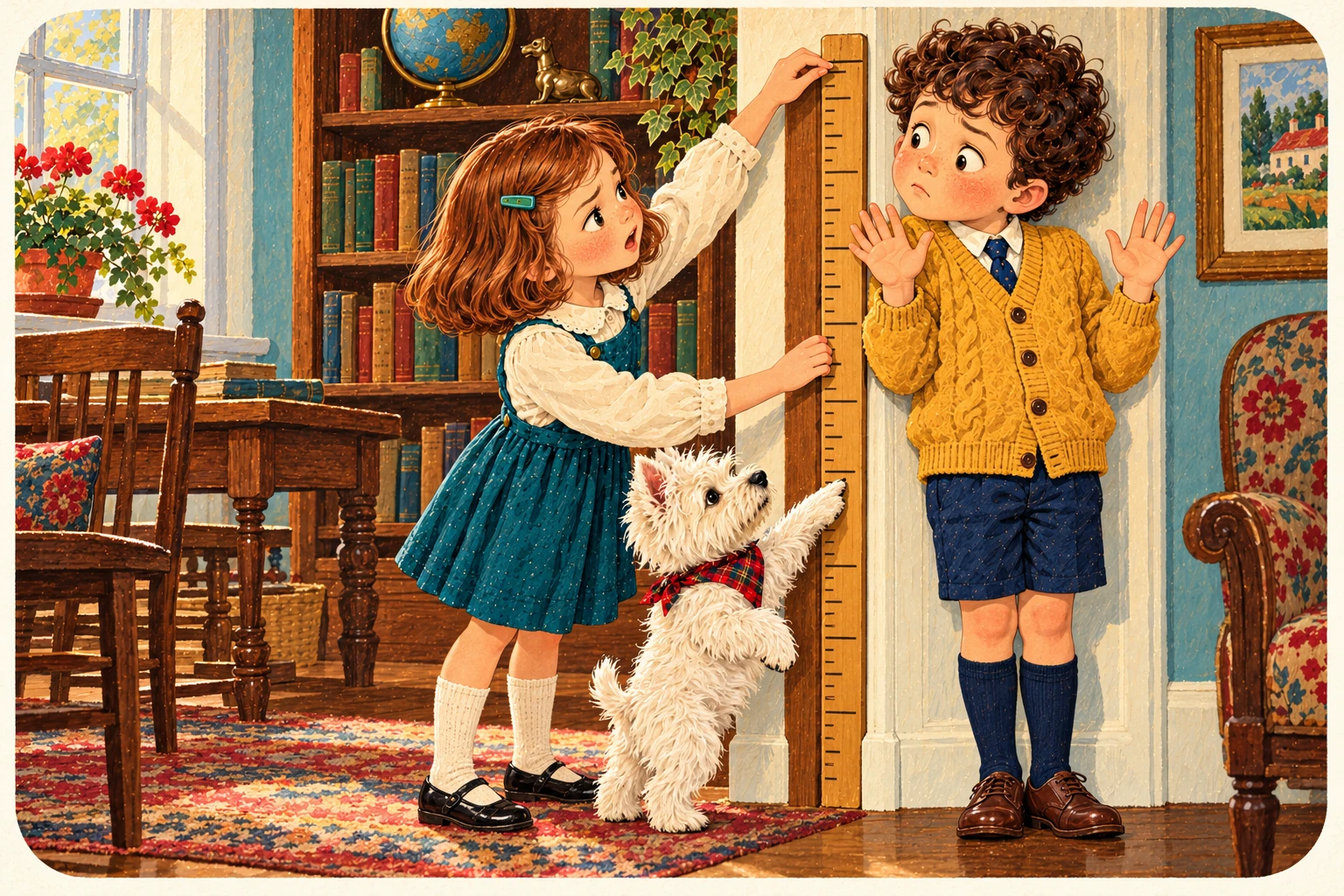
Records height. Include the unit, or give a useful relative description. The class prints your words; it does not convert units or stop the artist drawing someone taller.
\height{125 cm}Use consistent units across the cast when relative scale matters.
- Jenny
- How high are you?
- Jake
- I haven’t taken anything.
- The Westie
- She means how tall are you.
08 / Inside a character entry
Old enough to know better.
\ageRange{Ages}
Records the character’s age or age range. It is descriptive text, not a date calculator, and it does not declare any eras for appearance.
\ageRange{1-40}The class prints 1-40 as supplied. A double dash is optional TeX typography for a range, not a GraphicNovel requirement. Age and story era remain separate.
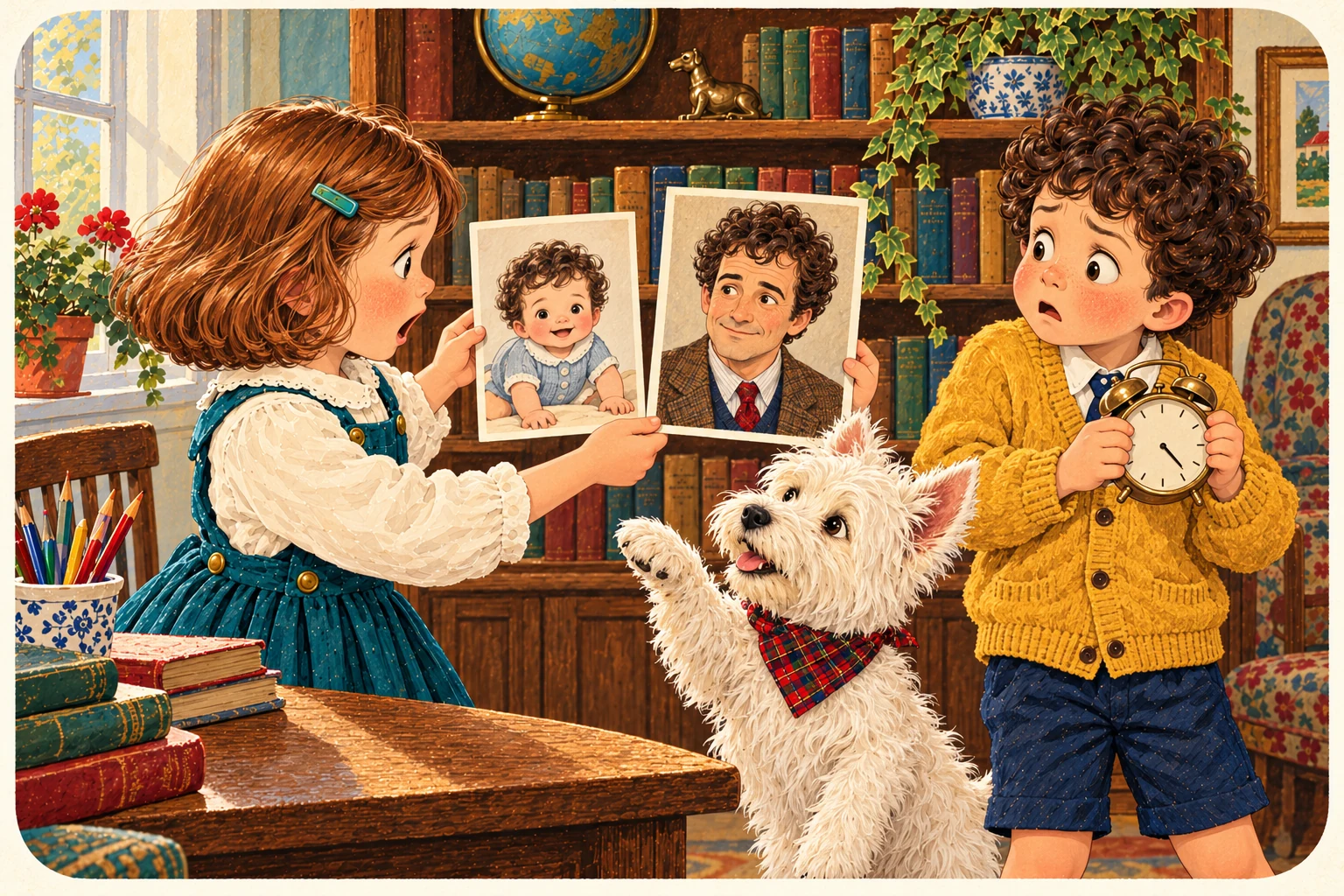
- Jenny
- One to forty.
- Jake
- Is that my bedtime?
- The Westie
- Your age. Your bedtime is a separate negotiation.
09 / Inside a character entry
Dress the character.
\wardrobe{Clothes}
Describes clothes, footwear, materials and recurring wardrobe choices. Give the artist something to draw, rather than a shopping philosophy.
\wardrobe{Mustard cardigan, navy shorts, knee socks.}Era-specific costume changes can go in the relevant appearance description.
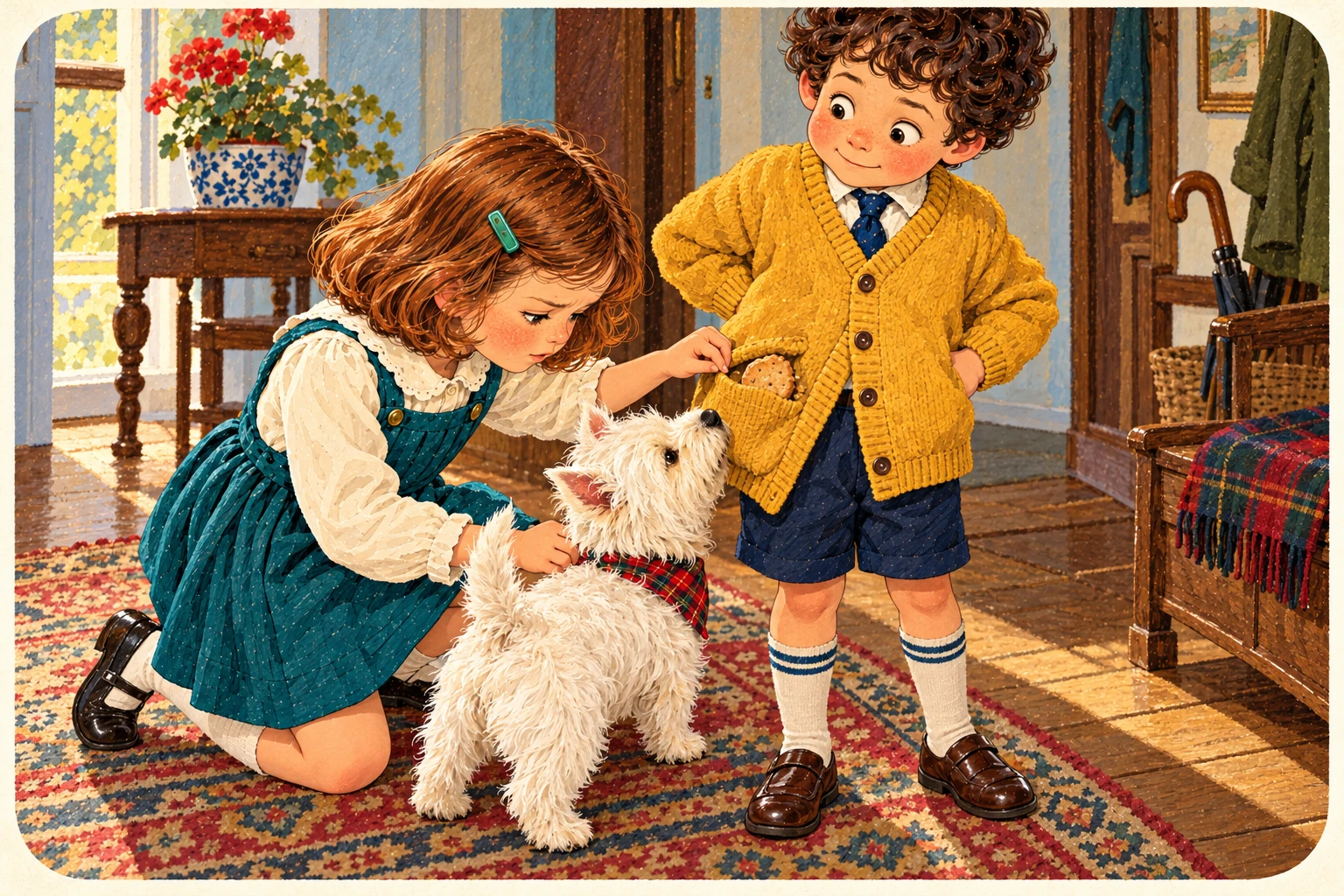
- Jenny
- Jake dresses practically.
- Jake
- I have pockets.
- The Westie
- And a cardigan containing last week’s biscuit. Specify both.
10 / Inside a character entry; declared era required
Same person. Different then.
\appearance{Era}{Description}
First hug: the era. Second hug: what the character looks like in that era. Physical features and changes across time belong here. Declare the era first.
\appearance{Present day}{
  Short dark curls, brown eyes, ink on his nose.
}
One appearance description per character per era. A duplicate for the same era is an error.
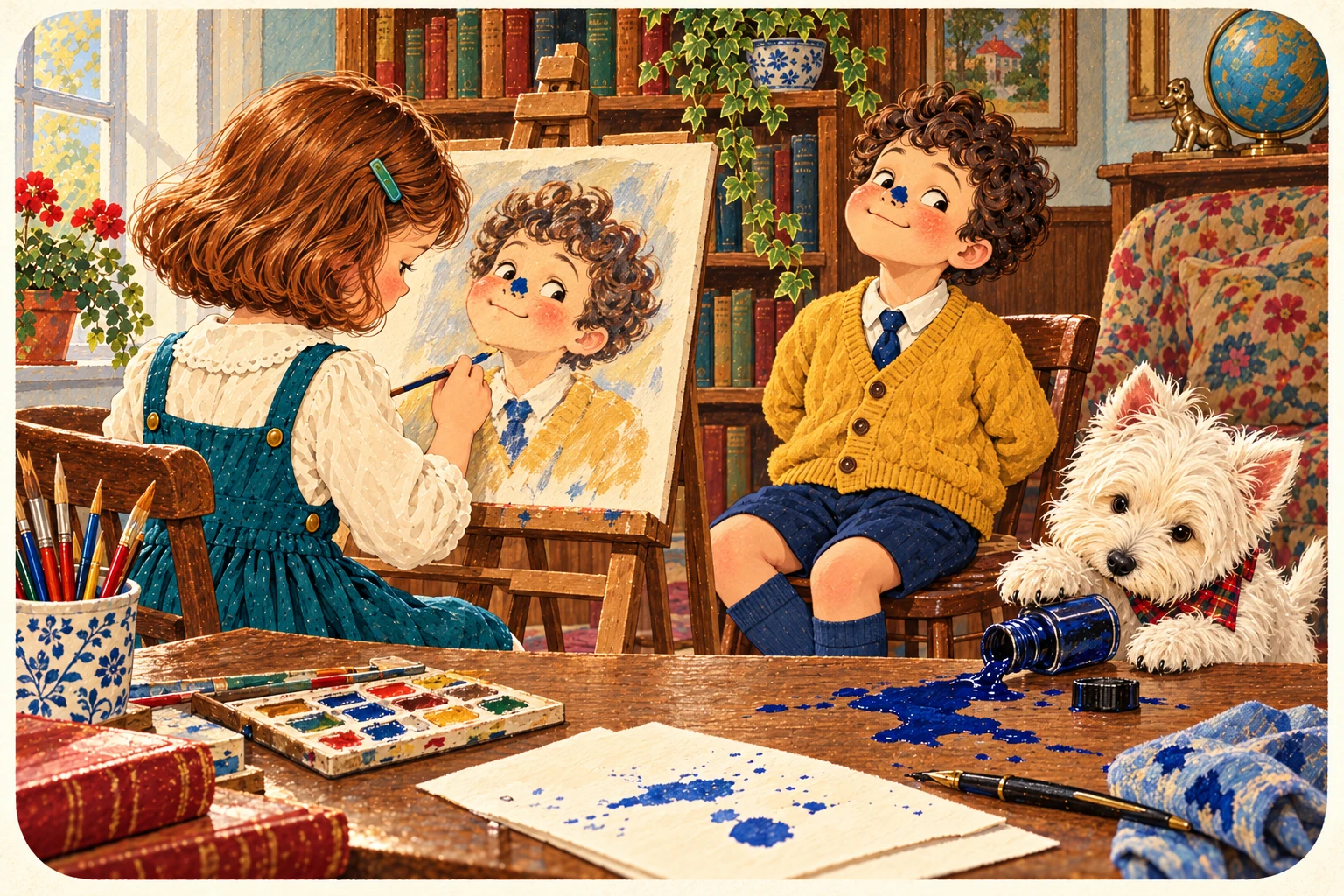
- Jenny
- The ink is a distinguishing feature.
- Jake
- I call it an artistic choice.
- The Westie
- The pen calls it a leak.
11 / Inside a character entry
The usual face.
\expressionsummary{Overview}
Describes the character’s general expressive manner. Think of it as guidance for the face and performance as a whole. Individual named expressions use expression instead.
\expressionsummary{Usually earnest; easily puzzled.}An overview does not automatically define named expressions for later references.
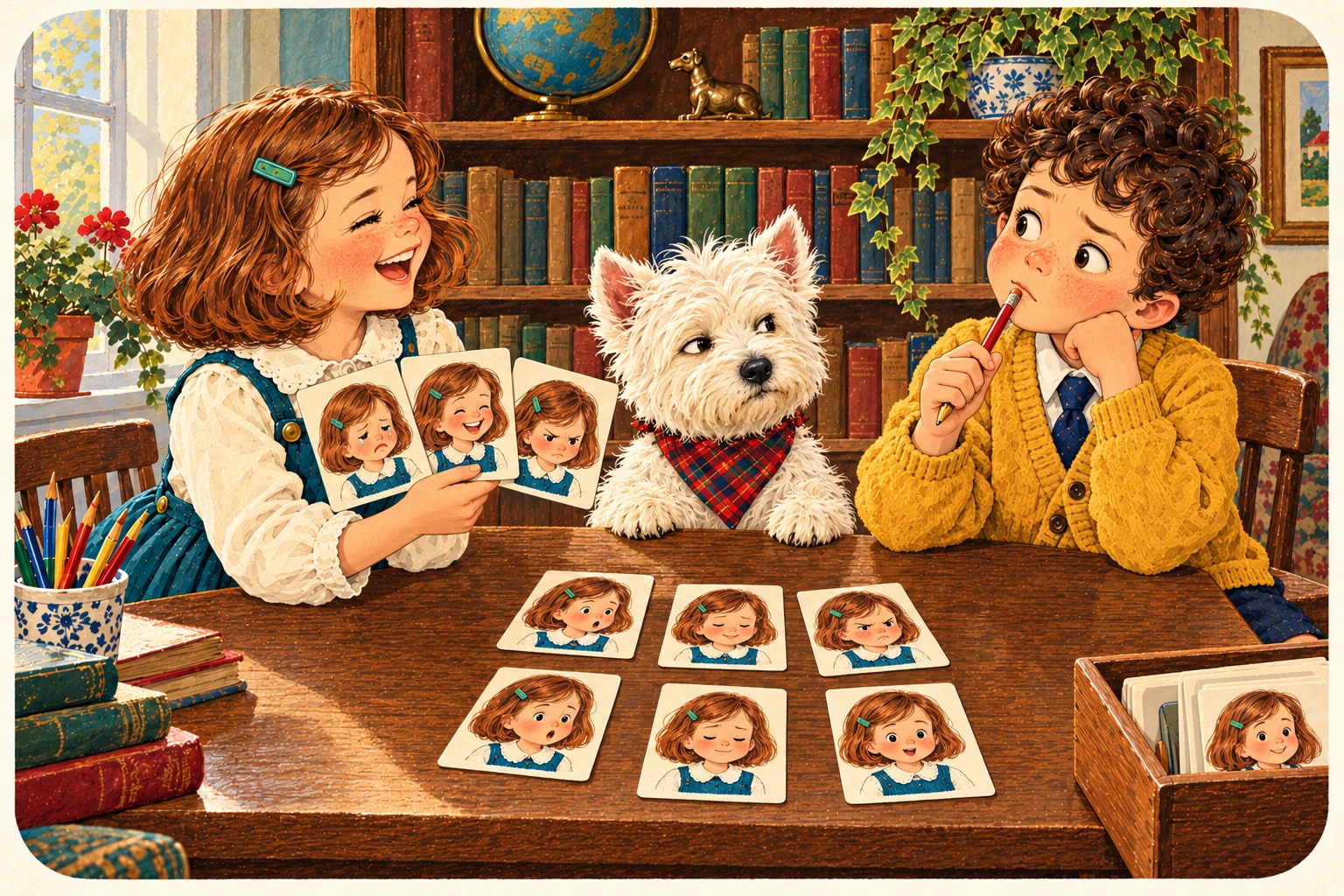
- Jenny
- Jake looks thoughtful.
- Jake
- I am considering the syntax.
- The Westie
- He is wondering whether the pencil is edible.
12 / Definition inside a character entry
Give That Expression A Name.
\expression{Name}{Description}
Defines a named expression for the artist to draw from. Agree the expression in the character sketches, then give it a name so collaborators can refer to that same established expression. First hug: its name. Second hug: the visible description.
\expression{puzzled}{
  One eyebrow raised; head tilted towards the page.
}
Expression names must be unique within a character. Outside the character entry this command has a different panel-use form; this card teaches the definition.

- Jenny
- We shall call it puzzled.
- Jake
- I thought I was looking wise.
- The Westie
- We are documenting the evidence.
13 / Definition inside a character entry
The body gives it away.
\tell{Name}{Behaviour}
Defines a named behavioural cue: a recurring action that reveals something. Describe what a collaborator/artist can show. It need not be a facial expression.
\tell{stalling}{
  Smooths the same cardigan cuff while thinking of an answer.
}
Tell names must be unique within a character. Like expression, tell has a separate panel-use meaning outside the entry.

- Jenny
- Jake is adjusting his cuff.
- Jake
- It requires considerable adjustment.
- The Westie
- He has not done the homework.
14 / Inside a character entry
Please stay consistent.
\continuityRule{Instruction}
Records a fact or instruction collaborators should keep consistent: handedness, a persistent scar, which wrist holds a watch. It is written guidance, not automatic inspection of the artwork.
\continuityRule{Jake is left-handed.}The class stores and prints the rule. It does not infer and enforce arbitrary instructions written in prose.

- Jenny
- Jake is left-handed.
- Jake
- Even on Thursdays?
- The Westie
- Particularly when the artist has forgotten.
15 / Inside a character entry
Where did you come in?
\introducedIn{Reference}
Records where the character is introduced. Supply a useful story, page or scene reference so collaborators can find the first appearance.
\introducedIn{Story 1, page 3: the kitchen.}This is a descriptive reference field. It does not create or automatically link a page.
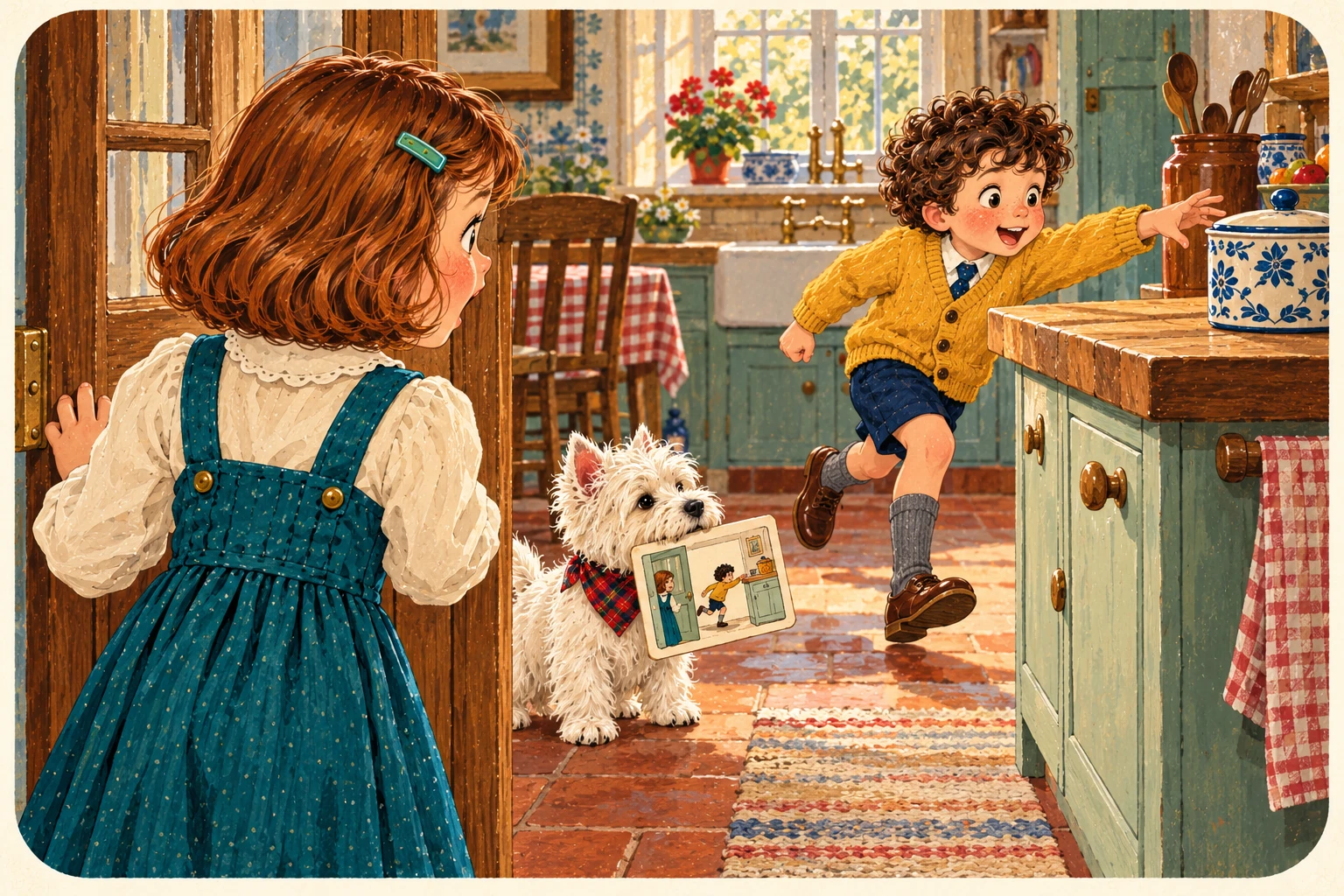
- Jenny
- Jake first appears in the kitchen.
- Jake
- A strong opening.
- The Westie
- The biscuits explain the motivation.
16 / Inside a character entry
A drawer with your label.
\charfield{Label}{Details}
Adds a custom labelled field when the standard fields do not cover what you need. First hug: the heading. Second hug: the contents. Equipment, profession or a useful oddity can live here.
\charfield{Equipment}{Notebook, pencil, emergency biscuit.}A custom field records text. It does not create a new checked entity or a new command.
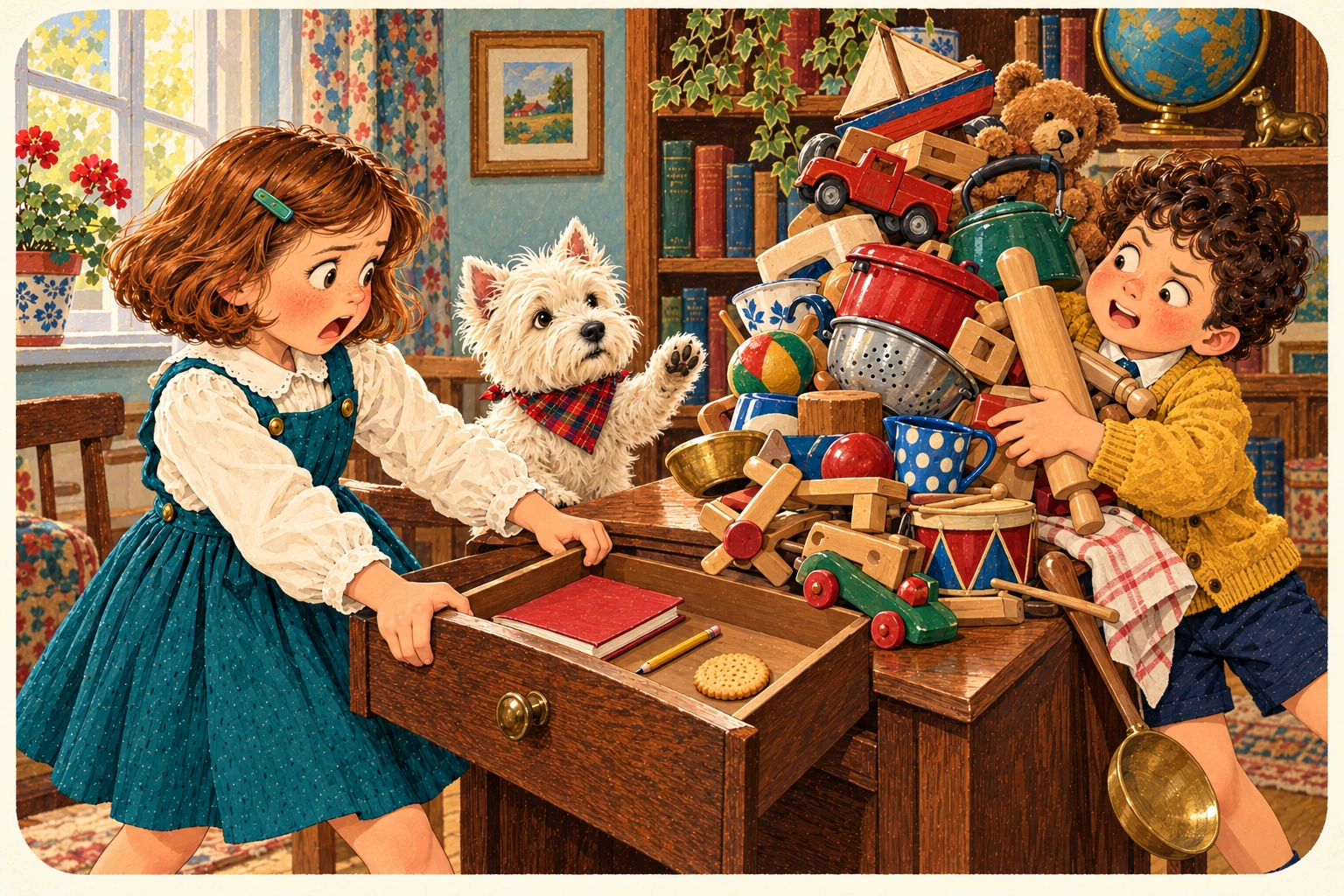
- Jenny
- I have made an Equipment field.
- Jake
- May I put everything in it?
- The Westie
- That is how we got the splurge.
17 / Output, after closing the entries
Let the artist read it.
\printCharacterBible
Prints the stored character entries as reference tables. No arguments: this command needs no hugs. Finish the character entries first, then print the Bible before ending the document.
\begin{document}
  \begin{character}{Jake}
    %% Add the character fields here.
  \end{character}

  \printCharacterBible
\end{document}
The class stores each entry at end{character}. Printing before that closing command misses its current details. The example is a structural fragment: its comment stands in for the fields, including the required era-specific appearance.
- Jenny
- At last. A reference table.
- Jake
- Can I still send the artist eight pages of capitals?
- The Westie
- You can. We have discussed should.
18 / Output, inside the document body
The whole reference shelf.
\printReferenceBible
Prints the stored character, location, prop and continuity entries. Use it for the complete reference, rather than just the cast. It takes no arguments.
\begin{document}
  \printReferenceBible
\end{document}
This carousel covers character definition, its setup and its output. Locations, props and panel scripting have their own commands.

- Jenny
- Everyone and everything?
- Jake
- Including the dog?
- The Westie
- Especially the editorial department.
Arrow keys move between cards when this reference has focus. Home and End go to the first and last card.
Source checks: declaration, age range and printing order
DeclareCharacter registers the name and print order; the full character environment adds details later. It does not reject a later definition. The lowercase declareCharacter spelling is not defined in this class.
The class accepts age ranges as text, so 1-40 needs no special dash syntax. Character details are stored when end{character} runs. Print the character Bible after closing the entries, within the document body—not immediately before end{character}.
The small print. Naturally.
Examples are fragments unless they show their surrounding environment. This reference follows the supplied GraphicNovel 0.5 class. No LaTeX compilation runs on this page.